The Film Camera Challenge
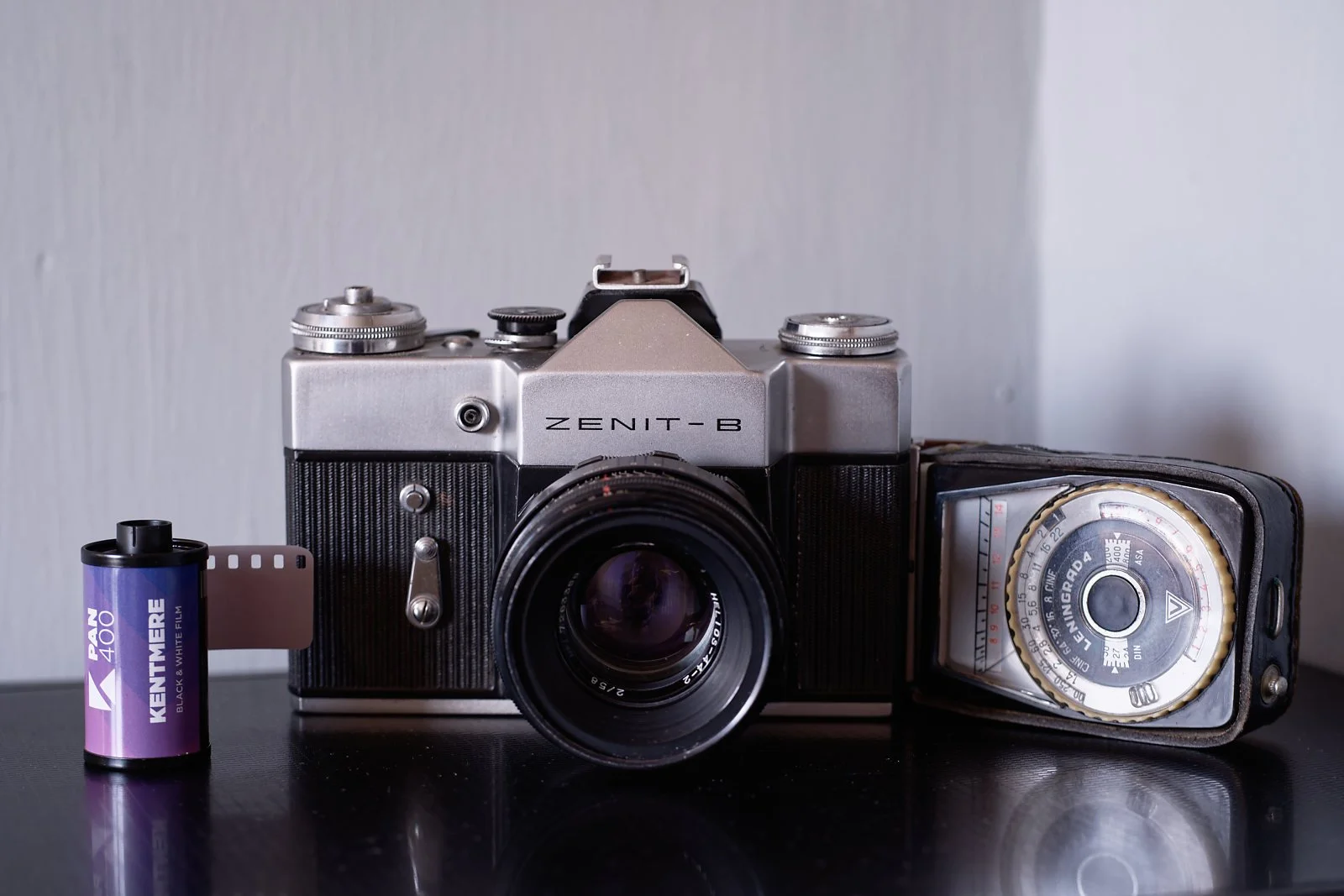
No film was used during this challenge
A while back Fuji launched the Fuji X Half, a digital camera that emulated a film camera. You chose your film stock (effectively a profile that emulates the film stock) and number of exposures. When set in film mode, you would not see any of the photos taken until you had taken all the “films” exposures and exported them. It also had a film winder arm to move you to your next exposure allowed. I was intrigued!
It got me wondering if I could set up my digital camera to also emulate that film experience, and I set myself a Film Camera Challenge. Having completed it, I think it’s a worthwhile exercise and now challenge you to try it.
The Challenge
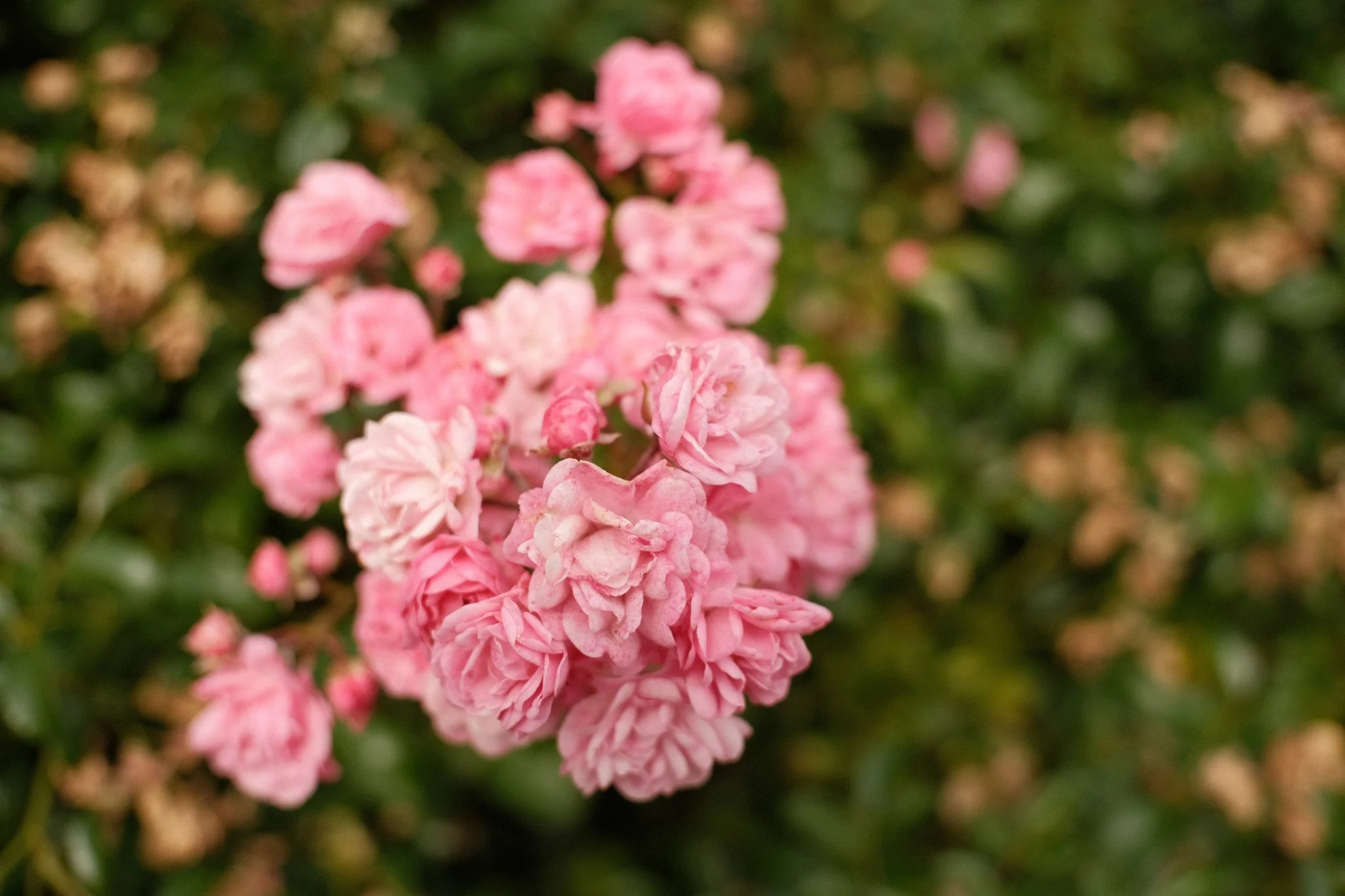
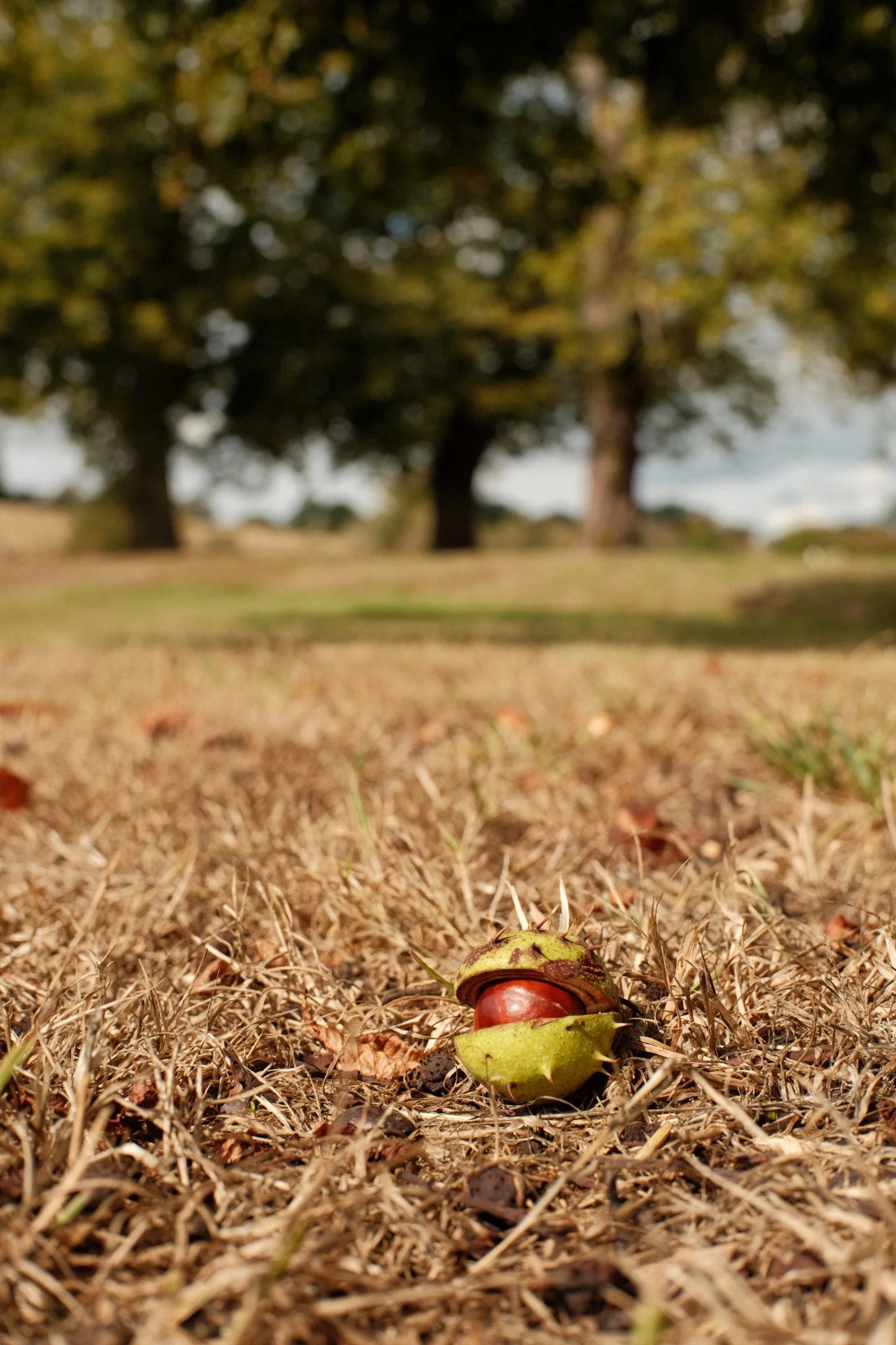
DSCF0251 f2.8 1/2000 ISO200 - Shot no 1
Set up your camera to mimic a film camera described in the Settings section of this blog.
Take 12 photos consecutively in Jpeg, no sneak peaking and deleting.
Post them on our Members only Facebook page. No editing other than resizing to fit Facebooks sizing (longest side is 2048 and no more than 2mb), or just let Facebook sort that out (it can compress your image too much though)?
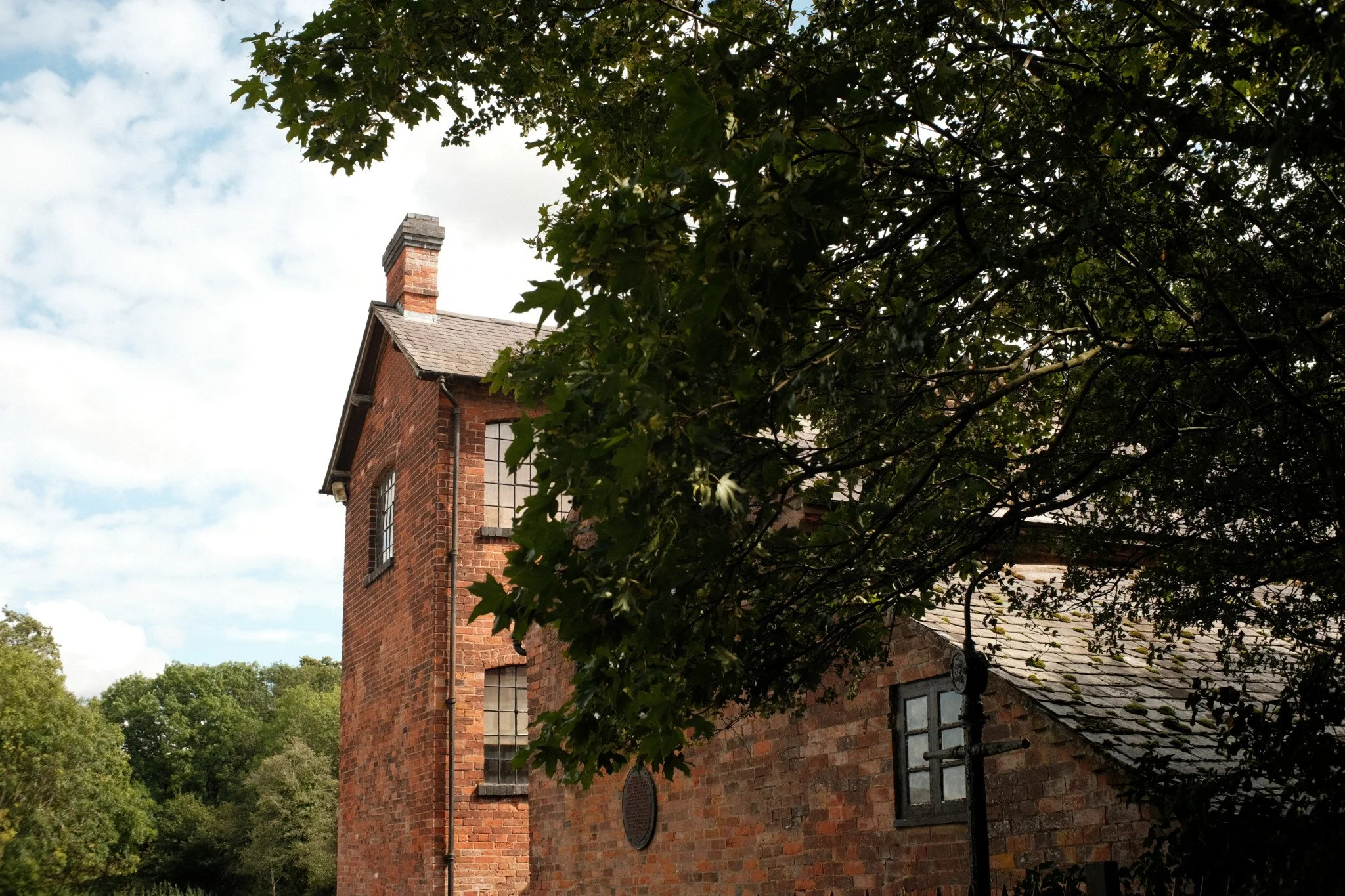
DSCF0252 F8 1/250 ISO200 - I should have explored more before deciding to take this shot
Film v Digital Experience
This challenge disables all the digital aids your camera comes with and forces you to focus solely on composition and the exposure triangle, providing an experience akin to using a film camera. It also tests your discipline and patience! Imagine not being able to view your photo to see if it is any good before taking another, and another, to get it right! Or getting distracted and using up your exposures on a burst! Or saying I’ll correct that in post. There was a cost to all of this previously when shooting film.
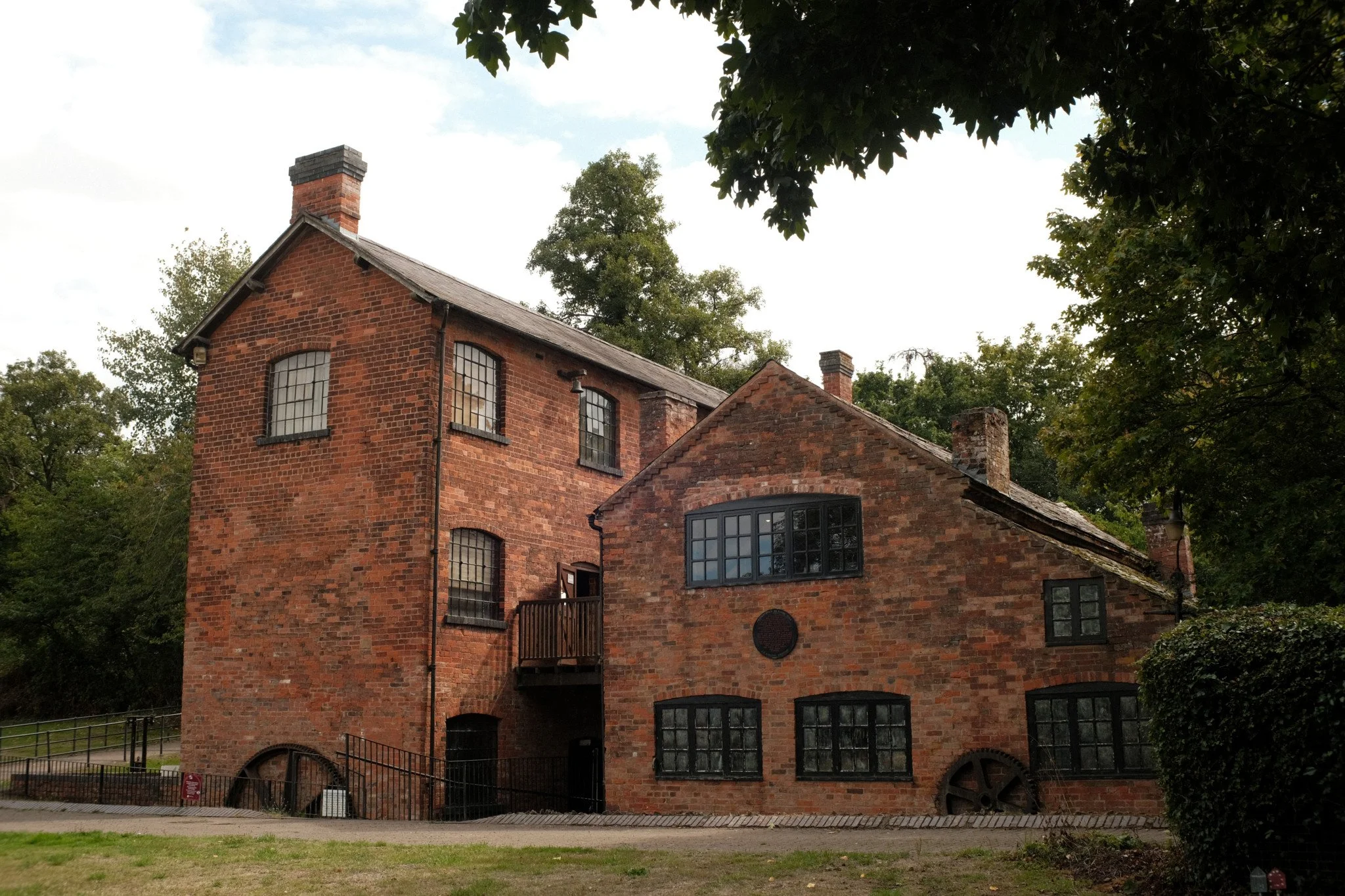
DSCF0253 F8 1/250 ISO 200 - Just a few metres away, this was a better composition
The excitement of receiving your photos 10 days later from the photo lab, and then either the dismay of some of your shots not coming out, or the joy of the memories is missing in our digital world.
When you bought your digital camera, it would have default settings and default displays. The manufacturer initially decided how you should use your camera. Auto focus, Auto White Balance, and Auto ISO, which many of us rely on, take away that part of the decision-making process, and also maybe our understanding and creativity.
With this challenge you can’t say I can edit that in post, you must make your decisions in camera e.g. between darker shadows or bright /even blown highlights! Film cameras mostly had dials to adjust only the Exposure Time/ Shutter Speed and Aperture. You chose your ISO through the film you loaded, that was fixed. No in camera light meter, you had a separate light meter.
Settings to create a film camera
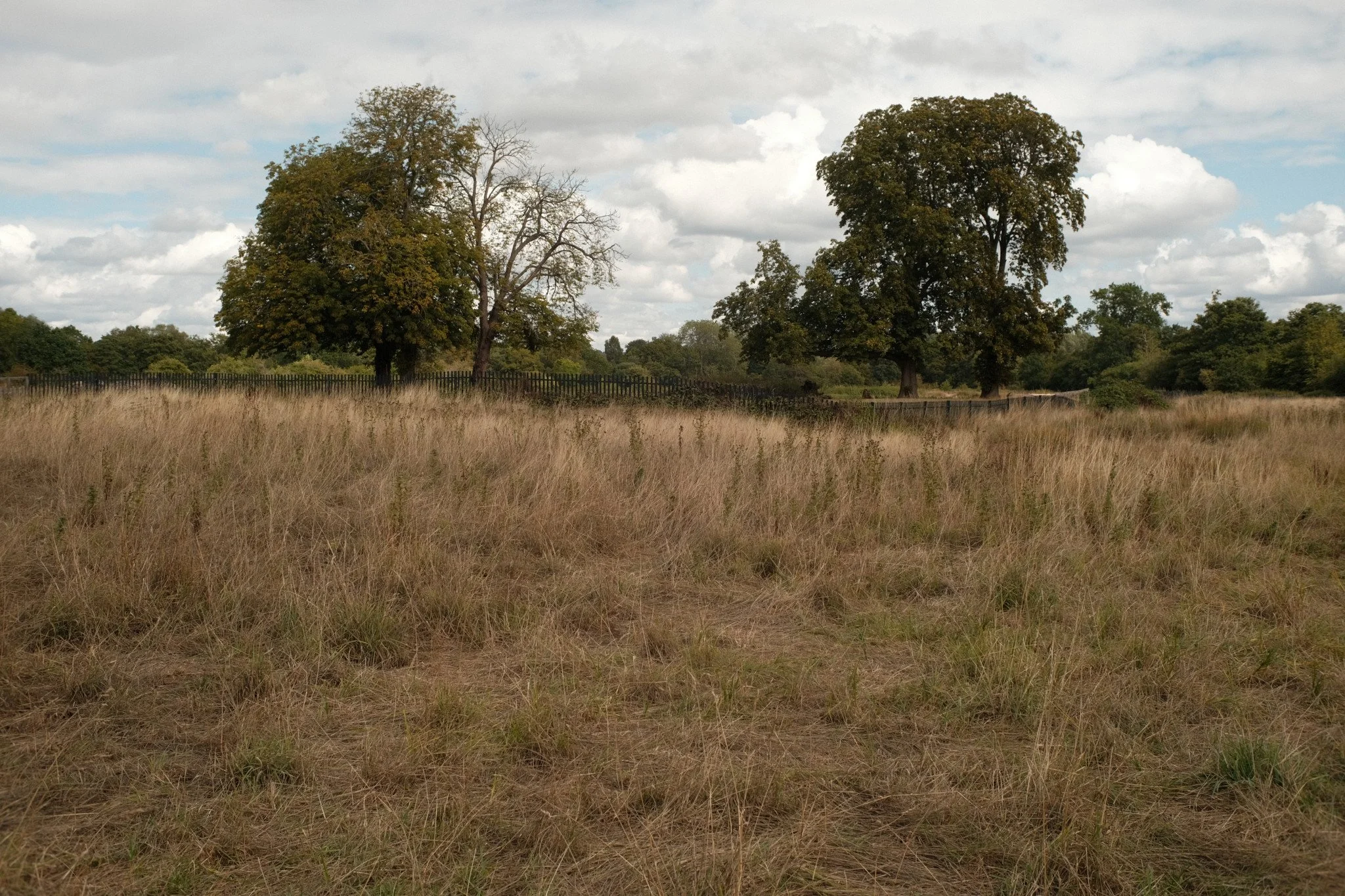
DSCF0254 f8 1/500 ISO 200 - It seemed a better shot in the viewfinder, maybe the light changed
Each camera manufacturer and model will be different but try as best you can to match the settings. Some of these settings will only be in Mirrorless cameras e.g. Dynamic Range, Zebras etc.
Note down each setting you change so at the end of the challenge you can change back to what you want. Or if your camera has a custom setting on its dial use that to set this up.
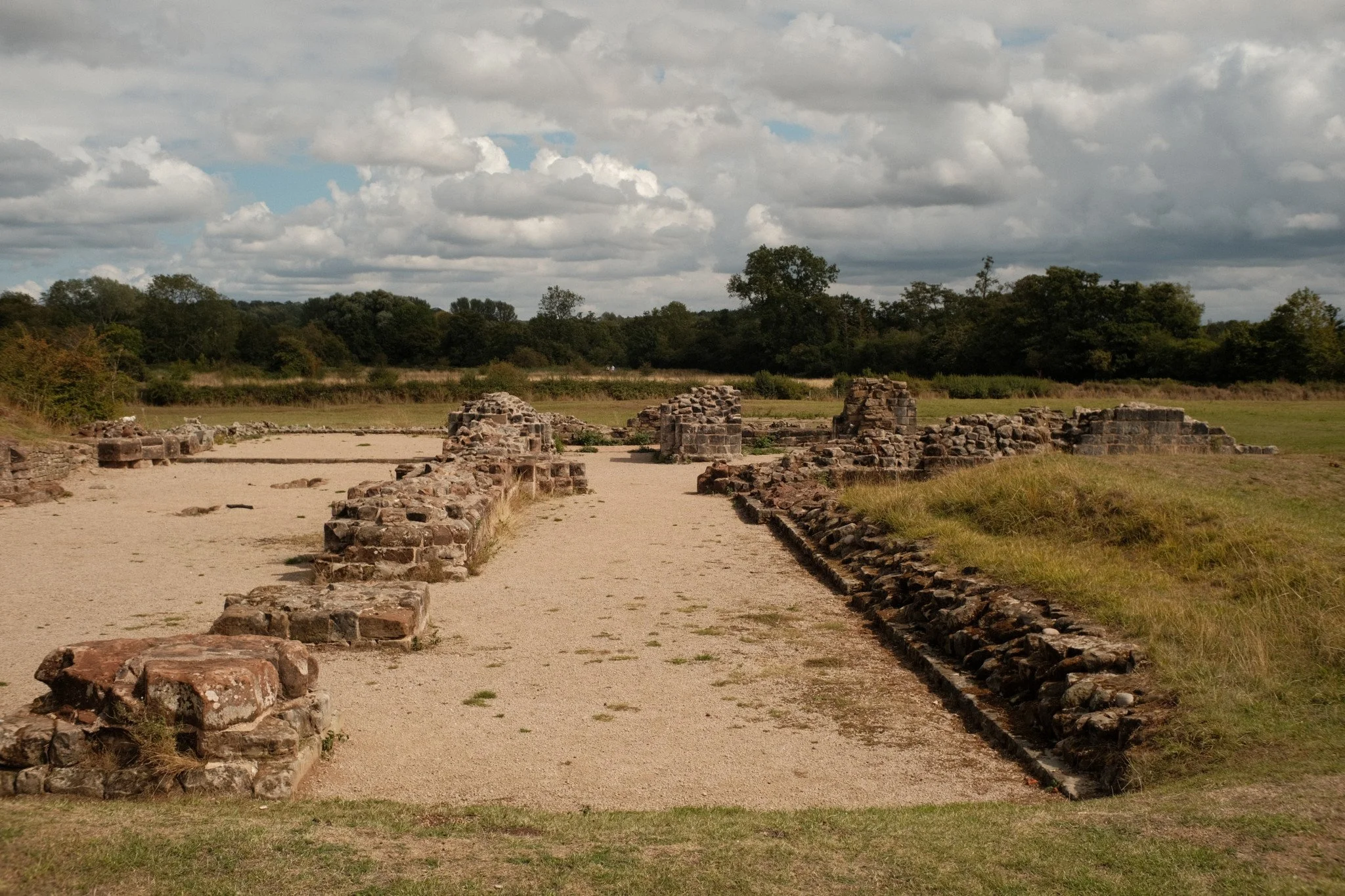
DSCF0255 f8 1/1000 ISO 200
Quality - choose Jpeg only (removes your involvement from post processing just like sending off your film)
ISO – set this and use it for all 12 images. Standard film used to be 100, 200, or 400.
Picture Profile (landscape/portrait/B&W etc.) or film simulation. Effectively this is the closest thing to a “look” that you would get from a roll of film once processed
White balance set to Daylight (or 5600k)
Metering – pick Matrix/ Evaluative metering. I don’t think we can turn off metering, but if you want the full manual experience download a light meter app. I use the LUX Meter app, it is free and pretty accurate. Select your ISO and Aperture to see what speed it recommends, or ISO and Speed to find your Aperture.
Mode – set to Manual so you are deciding the Aperture and Speed (exposure time). Remember your ISO must not change.
Dynamic Range – set to be standard or 100
Stabilisation - Turn off any in camera or lens stabilisation and use the following rule:
Shutter speed is at least 1 times (full frame), 1.5 times (apsc), 2 times for micro four thirds, faster that your focal length E.g. at 50mm your shutter speed at least 1/50th (full frame) or 1/80th (apsc) or 1/100th (micro four thirds)
Histogram – set to off (in viewfinder)
Highlight indicator/ zebras – set to off
LCD display – switch off, use viewfinder only. If you cannot switch LCD off then turn off picture review.
Lens – this is up to you but for complete manual experience choose manual focus if you are able.
Remember, only use your view finder and take 12 photos consecutively. Do not edit them, other than resizing (not cropping) for Facebook.
Post all 12 in one post to the members Facebook Page with the title Film Camera Challenge and any comments e.g.; settings, lens used, what you changed, what you found out about your camera etc.
My Experience
This was my set up:
Fuji x-t3 with a ttArtisan 25mm lens (37mm full frame).
Classic Chrome as my “film stock”
ISO set to 200
I used the top dial for Shutter speed, which only doubles the shutter speed, and is very similar to what was available in film cameras e.g. 1/125, 1/1250, 1/500, 1/1000.
The most challenging part was remembering my restrictions. Digital habits quickly take over and it took me few outings to get a consecutive 12 images!
Another challenge faced was my viewfinder is digital, as they are in mirrorless cameras, and as far as they have come in resolution they don’t give the same clarity as optical viewfinders.
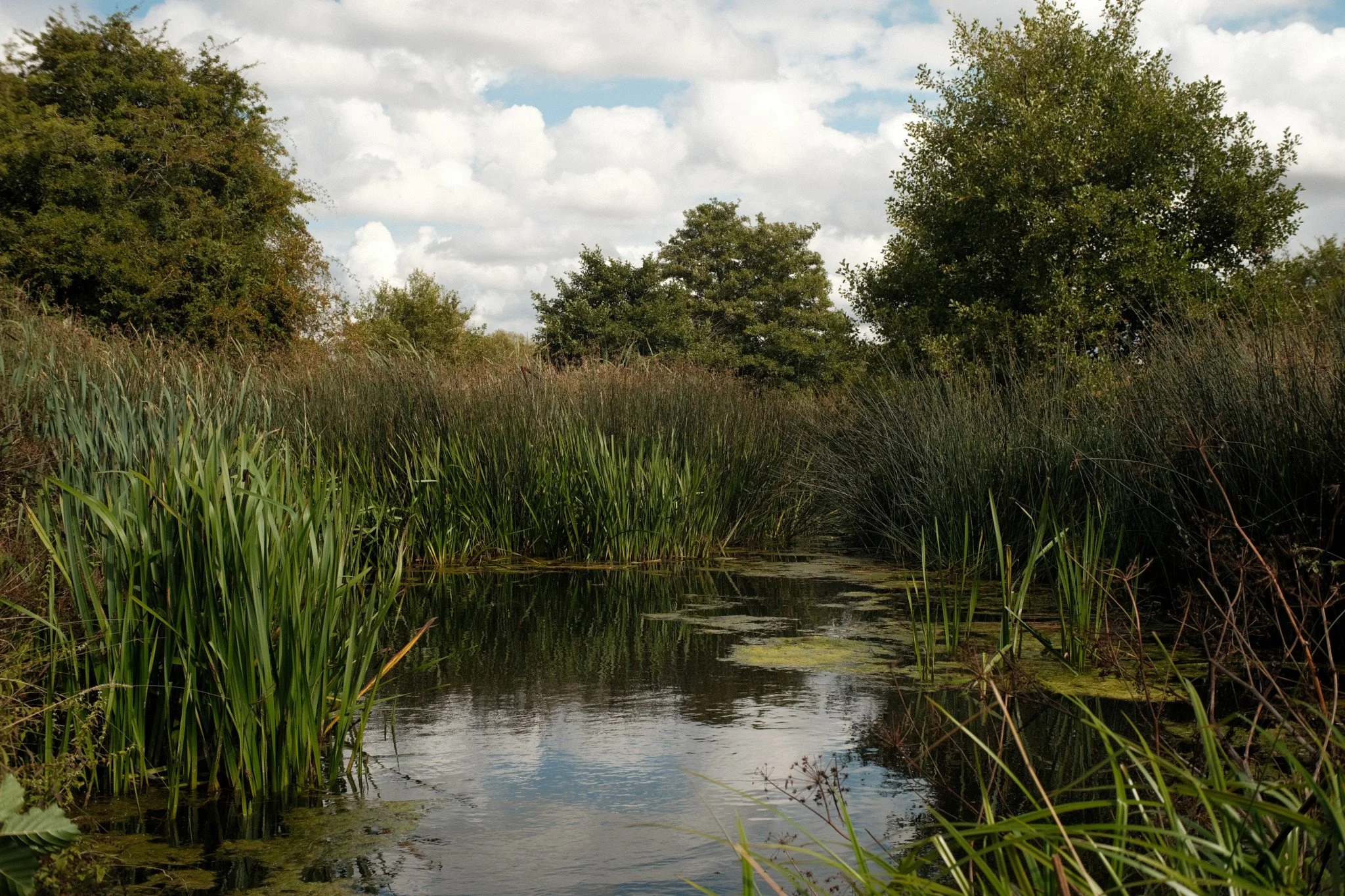
DSCF0260 F8 1/250 ISO 200 - Amongst the reeds
Initially I went out and took 4 images, but the next time I went out to fill the 12, I inadvertently changed the ISO to Auto voiding that set for this challenge. Afterall in film I’d have had to take the film out and put another film in to change the ISO, and auto wasn’t available anyway.
In another attempt I got distracted by a moving subject and took several shots, quickly using my 12 allocated. Its not something I would have done with a film camera, knowing I’d be using all my film, at a cost.
My advice is to go out on a walk and take your 12 shots in one go. Find static scenes and subjects and create a nice composition.
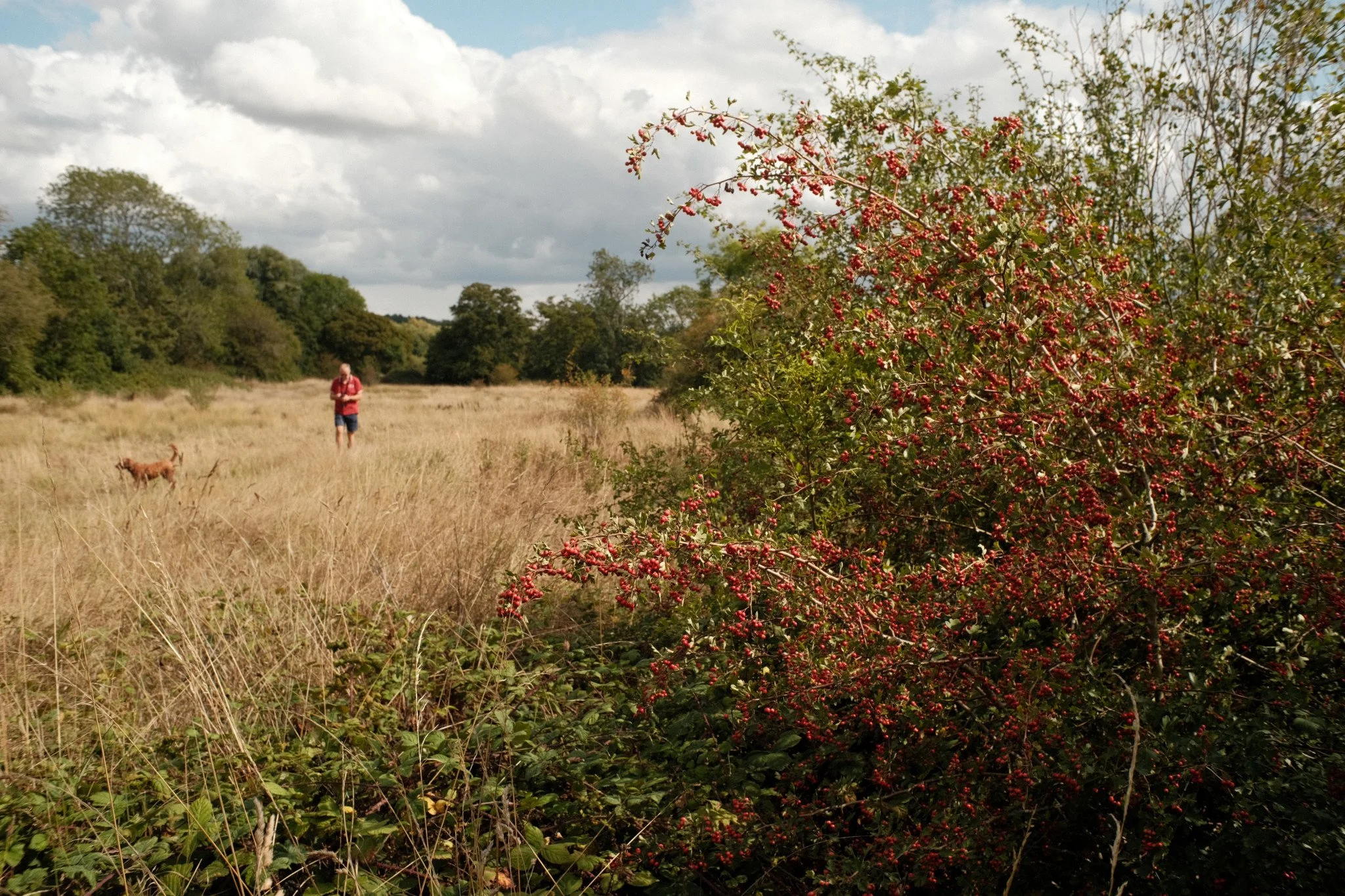
DSCF0261 f5.6 1/500 ISO 200 - I liked the connection of the red berries and red shirt
Of my 12 shots there were a couple I feel I wasted because I found a better composition only feet away. Taking the time to move around to find the best composition before you take your shot is worth doing. If I applied this outside the challenge, this would save me having to review loads of needless shots if I’d only taken a few minutes more to explore.
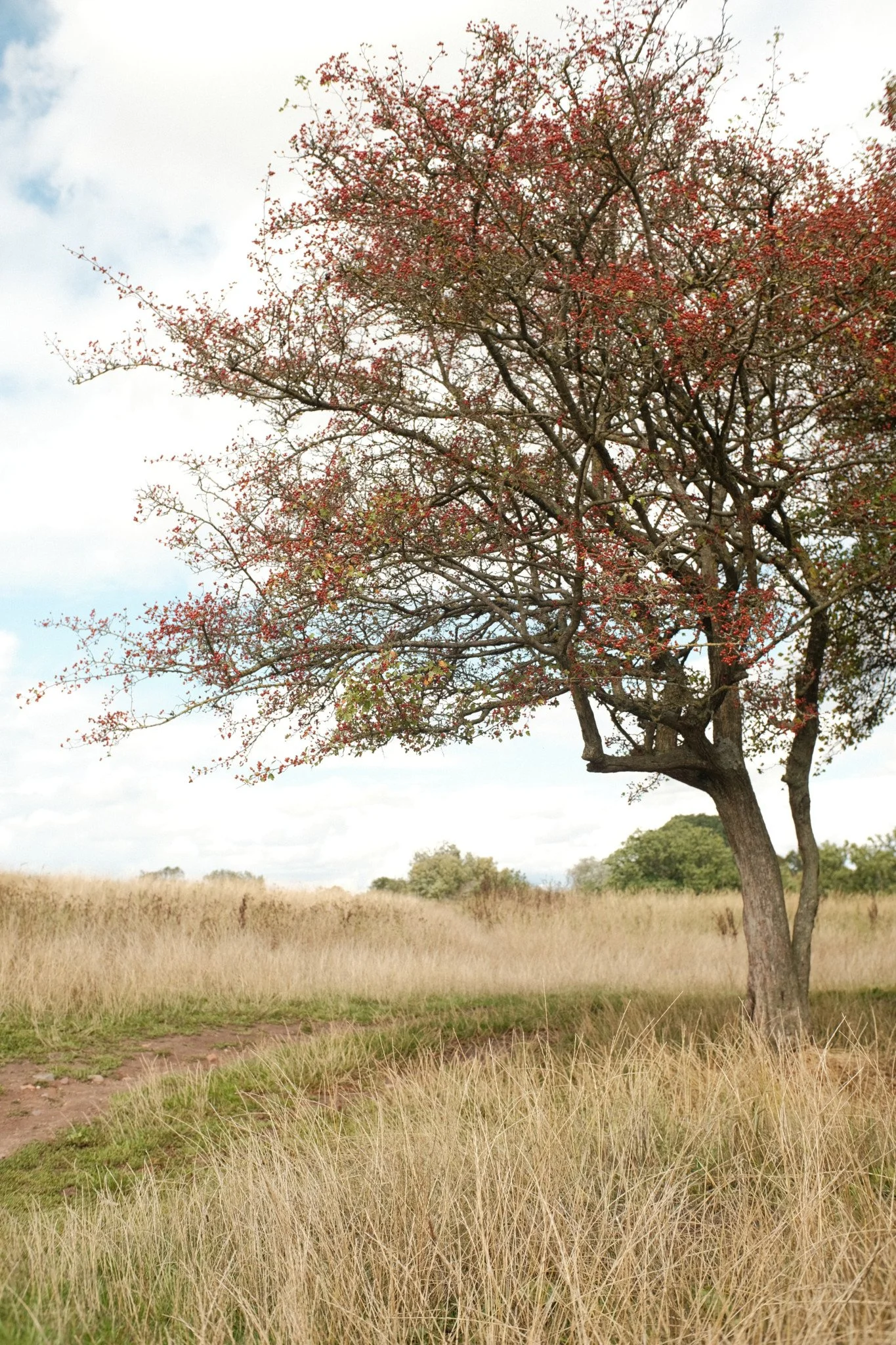
Whilst the subjects in this 12 aren’t that exciting, that’s not the point of the challenge. I am happy with the exposures across them all. These were taken not far off midday in contrasty conditions. My biggest decision was the exposure on the red berry tree against a bright sky. 1/500 to see the red berries and potentially overexpose the sky, or 1/1000 to get nice cloud detail, but have dark berries. Happy I chose 1/500.
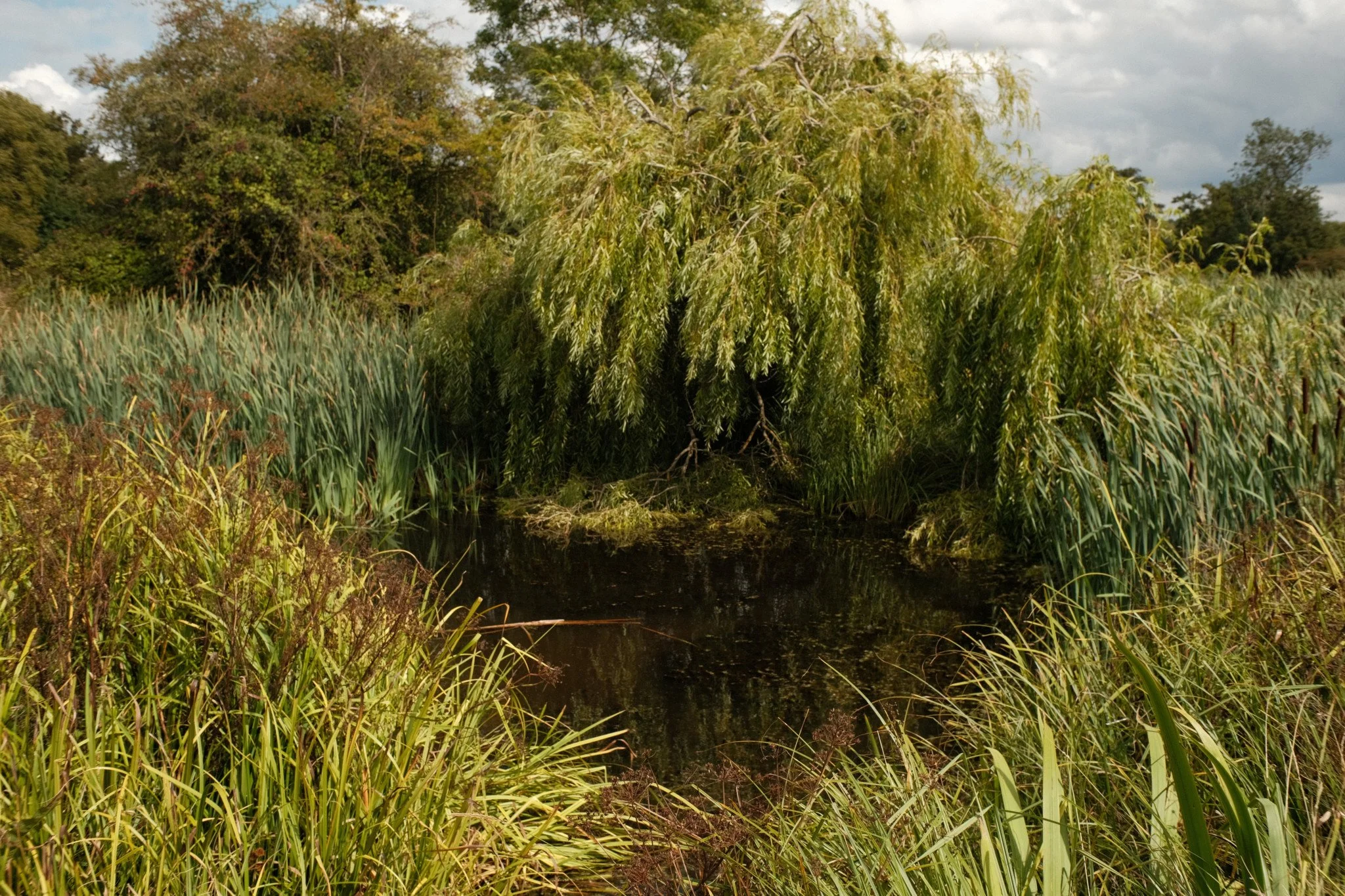
DSCF0262 F8 1/500 ISO200 - Bushy
I thought it a worthwhile challenge and definitely highlights some digital habits that maybe I have come to rely on too much.
Have a go yourself, it would be great to see your images and hear your experience on the Members Facebook Page.